
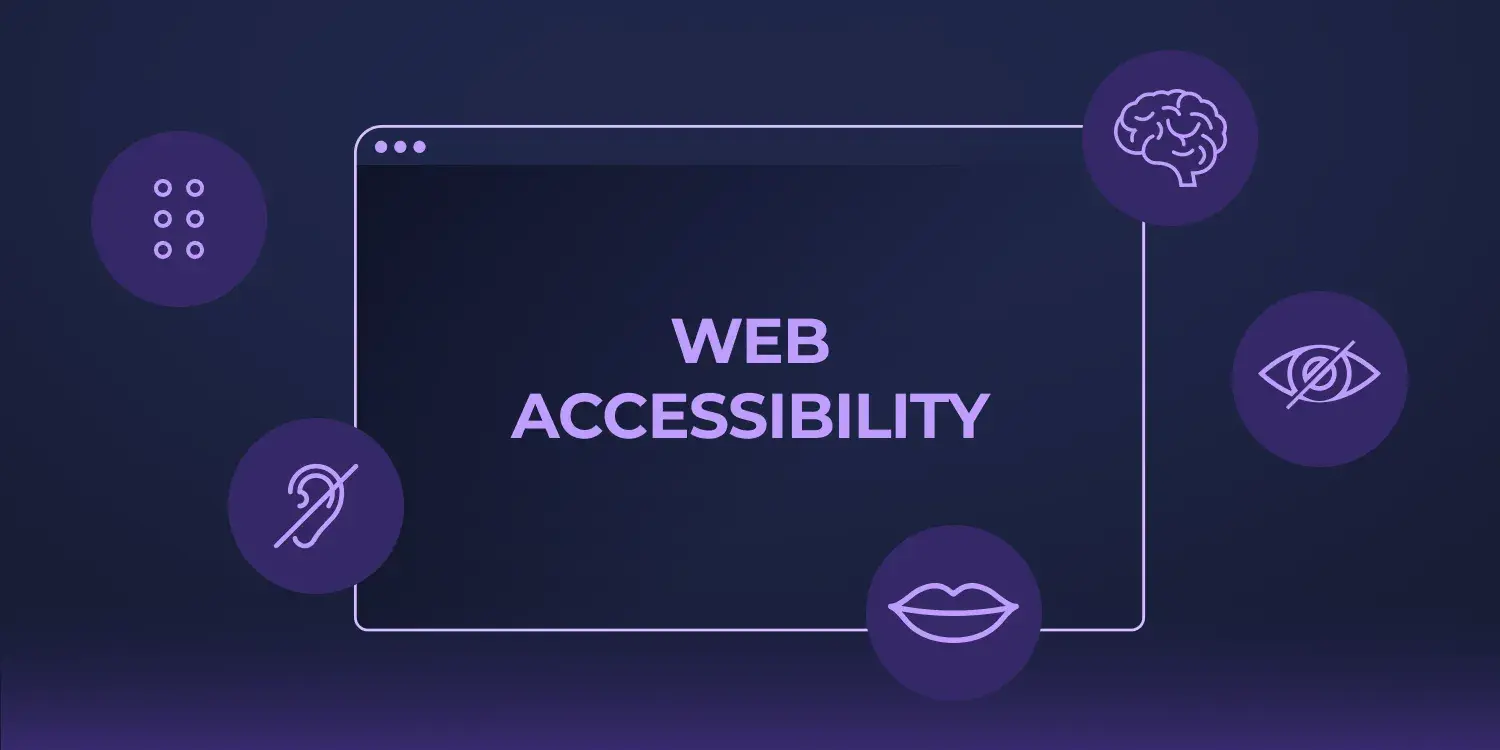
A website is often the first interaction customers have with your business. If visitors struggle to navigate your site because of poor accessibility, they may leave before learning about your products or services. Website accessibility ensures that everyone—including people with visual, hearing, cognitive, or motor disabilities—can access and use your website effectively.
Accessibility isn't only about meeting legal requirements. It improves usability, enhances customer satisfaction, supports search engine optimization (SEO), and helps businesses reach a wider audience. By making your website accessible, you're creating a digital experience that welcomes every visitor.
Whether you're running a startup, an eCommerce store, or a corporate website, accessibility should be a key part of your web development strategy.
What Is Website Accessibility?
Website accessibility is the practice of designing and developing websites so they can be used by everyone, regardless of their abilities or the technology they use.
Accessible websites work well with:
- Screen readers
- Keyboard-only navigation
- Voice recognition software
- Screen magnifiers
- Mobile devices
- Assistive technologies
The goal is to ensure that every visitor can easily navigate, understand, and interact with your website.
Why Website Accessibility Is Important
Accessibility benefits both your users and your business.
Reach a Larger Audience
More than one billion people worldwide live with some form of disability. An accessible website allows your business to serve a broader audience and ensures no potential customer is excluded.
Improve User Experience
Accessibility improvements often make websites easier for everyone to use. Clear navigation, readable text, descriptive buttons, and logical page structures create a smoother experience for all visitors.
Support Better SEO
Many accessibility best practices also improve SEO. Search engines favor websites with:
- Clear heading structures
- Descriptive image alt text
- Well-organized content
- Mobile-friendly layouts
- Fast loading speeds
Improving accessibility can indirectly help your website rank higher in search results.
Build Brand Trust
Businesses that prioritize accessibility demonstrate inclusivity and professionalism. Visitors are more likely to trust brands that provide equal access to their products, services, and information.
Reduce Legal Risks
Many countries have accessibility regulations requiring businesses to provide accessible digital experiences. Meeting recognized accessibility standards can help reduce compliance risks.
Key Principles of Website Accessibility
Professional websites should follow four core accessibility principles.
Perceivable
Users should be able to perceive all content.
Examples include:
- Alternative text for images
- Captions for videos
- Sufficient color contrast
- Readable font sizes
Operable
Every visitor should be able to navigate your website easily.
Best practices include:
- Keyboard navigation
- Clear navigation menus
- Visible focus indicators
- Accessible forms
Understandable
Content should be easy to read and understand.
Improve clarity by using:
- Simple language
- Consistent layouts
- Clear instructions
- Helpful error messages
Robust
Your website should work across different browsers, devices, and assistive technologies.
Using clean, semantic HTML and following modern web standards helps achieve this.
Website Accessibility Best Practices
Improving accessibility doesn't always require a complete website redesign. Small improvements can make a significant difference.
Use Proper Heading Structure
Organize content with logical heading levels (H1, H2, H3, and H4). This helps both users and search engines understand your page structure.
Add Alt Text to Images
Every meaningful image should include descriptive alternative text so screen readers can explain its purpose.
Avoid generic descriptions like:
- image1.jpg
- photo
- picture
Instead, describe the image in context.
Improve Color Contrast
Text should have enough contrast against the background to remain readable.
Avoid light gray text on white backgrounds or other low-contrast combinations that make reading difficult.
Enable Keyboard Navigation
Many users rely on keyboards instead of a mouse.
Ensure visitors can:
- Navigate menus
- Complete forms
- Click buttons
- Access interactive elements
- Move through the website using the Tab key
Label Forms Clearly
Forms should include descriptive labels and helpful validation messages.
Visitors should immediately understand:
- What information is required
- Which fields contain errors
- How to correct mistakes
Make Buttons Easy to Understand
Replace vague button labels like:
- Click Here
- Learn More
With descriptive actions such as:
- Download Our Guide
- Book a Consultation
- Contact Our Team
Clear calls-to-action improve both accessibility and conversions.
Design for Mobile Users
Responsive websites naturally improve accessibility by making content easier to read across different screen sizes.
Use:
- Responsive layouts
- Large touch targets
- Readable font sizes
- Proper spacing between elements
Common Website Accessibility Mistakes
Many businesses unintentionally create barriers for users.
Avoid these common issues:
- Missing image alt text
- Poor color contrast
- Tiny font sizes
- Auto-playing media
- Non-descriptive links
- Keyboard navigation issues
- Unlabeled form fields
- Complex navigation menus
- Images containing important text
- Missing captions for videos
Fixing these issues creates a more inclusive and user-friendly website.
Tools to Test Website Accessibility
Several tools can help identify accessibility improvements.
Popular options include:
- WAVE Accessibility Evaluation Tool
- Google Lighthouse
- axe DevTools
- Accessibility Insights
- Siteimprove Accessibility Checker
Regular testing helps ensure your website remains accessible as it evolves.
Website Accessibility Checklist
Before launching or updating your website, make sure you have:
- ✅ Proper heading structure
- ✅ Alt text for all meaningful images
- ✅ High color contrast
- ✅ Keyboard-friendly navigation
- ✅ Accessible forms
- ✅ Descriptive buttons and links
- ✅ Responsive design
- ✅ Captions for videos
- ✅ Readable typography
- ✅ Accessibility testing completed
Following this checklist will help create a website that is inclusive, user-friendly, and easier to maintain.
Final Thoughts
Website accessibility is no longer optional—it's an essential part of modern web development. An accessible website improves usability, strengthens your brand, supports SEO, and ensures that every visitor can engage with your content regardless of their abilities.
By following accessibility best practices and testing your website regularly, you can create a better digital experience while reaching a larger audience and building long-term trust with your customers.
At LaunchNest, we build modern, accessible websites that combine responsive design, performance optimization, and user-focused experiences to help businesses grow while ensuring every visitor can navigate with confidence.